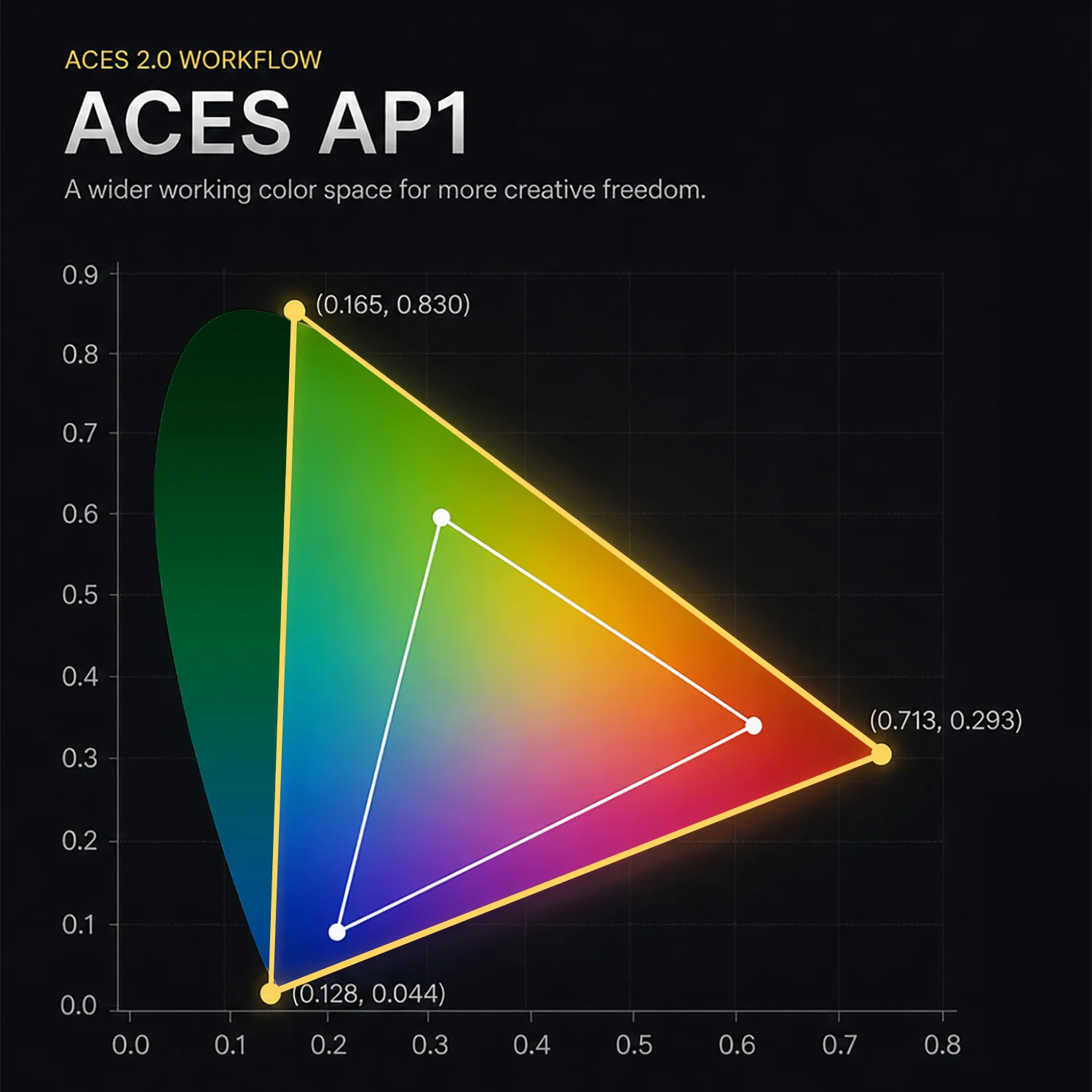
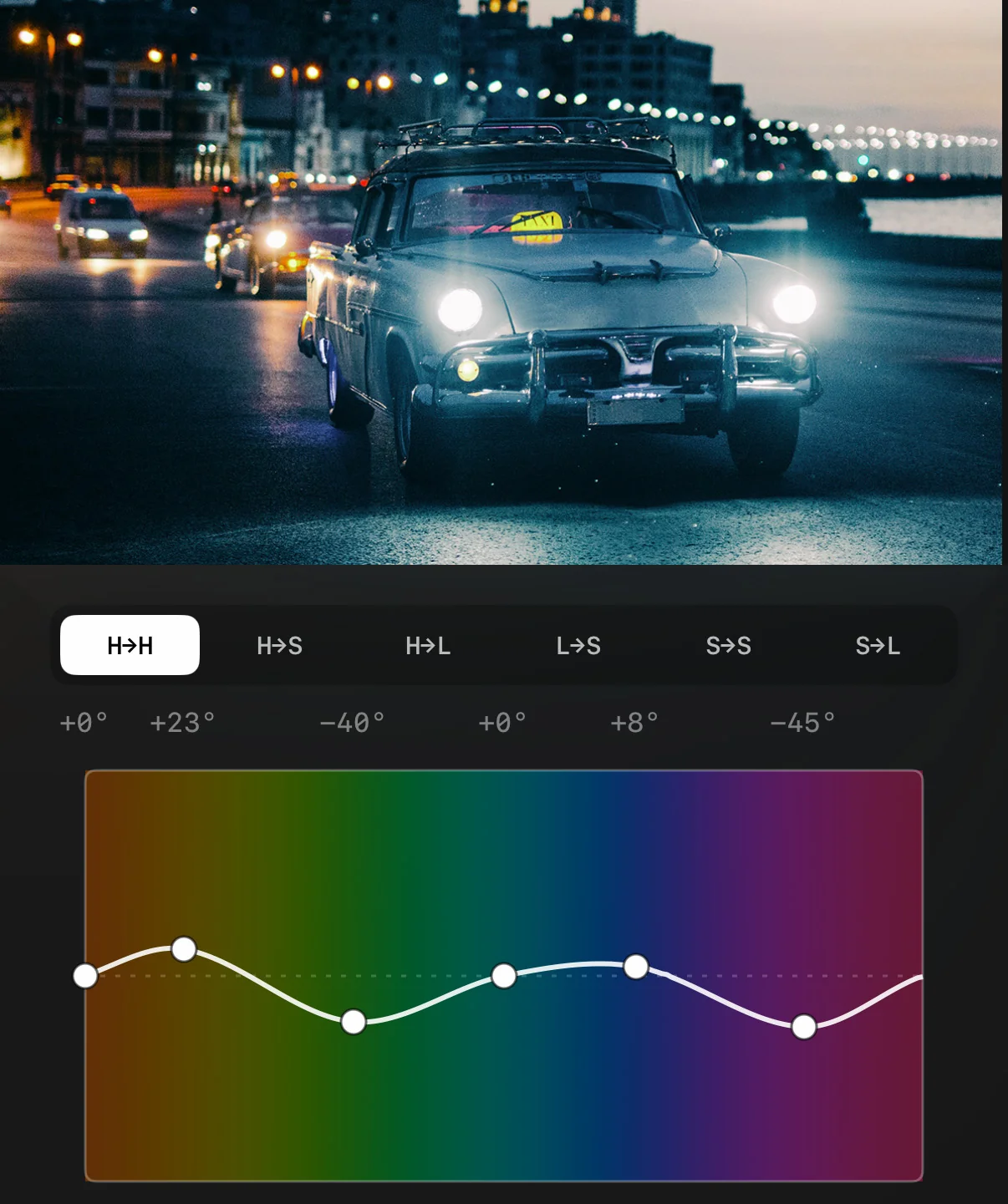
While you grade, your footage stays in a wide, scene-referred colour space, using an ACES 2.0-based workflow. Skin tones and gradients hold up better from the camera's log to the final export.
The Ultimate Studio
The super app for creators. RAW photos and log video, from an iPhone or a cinema camera, graded in one place on our 16-bit Lion Core engine.
Imagine a professional colourist pulling up a chair beside you.Now you create together.
Connect the DeluxeFX MCP to Claude, ChatGPT, Muse or any assistant that supports MCP, and it becomes your colourist. Ask in plain words, from a quick fix to a full grade. Every answer comes back as a preset or a filter (a LUT) in a link that opens straight in DeluxeFX. Your photos stay on your iPhone unless you paste them.
Cinema colour on your iPhone.
DeluxeFX runs on a 16-bit Metal engine with an ACES 2.0-based colour workflow. It reads log video from Apple, ARRI, Sony, Canon, Nikon, Panasonic, DJI, Fujifilm and Blackmagic cameras, has professional scopes, and exports true 10-bit HEVC.
The biggest DeluxeFX update yet.
Everything you create starts from one page. Build filters the way a film lab does, rebuild a look from a reference picture, and check any LUT before you use it.
Ask in plain words and get back a preset or a filter (a LUT) that opens straight in DeluxeFX, ready to apply and tweak.
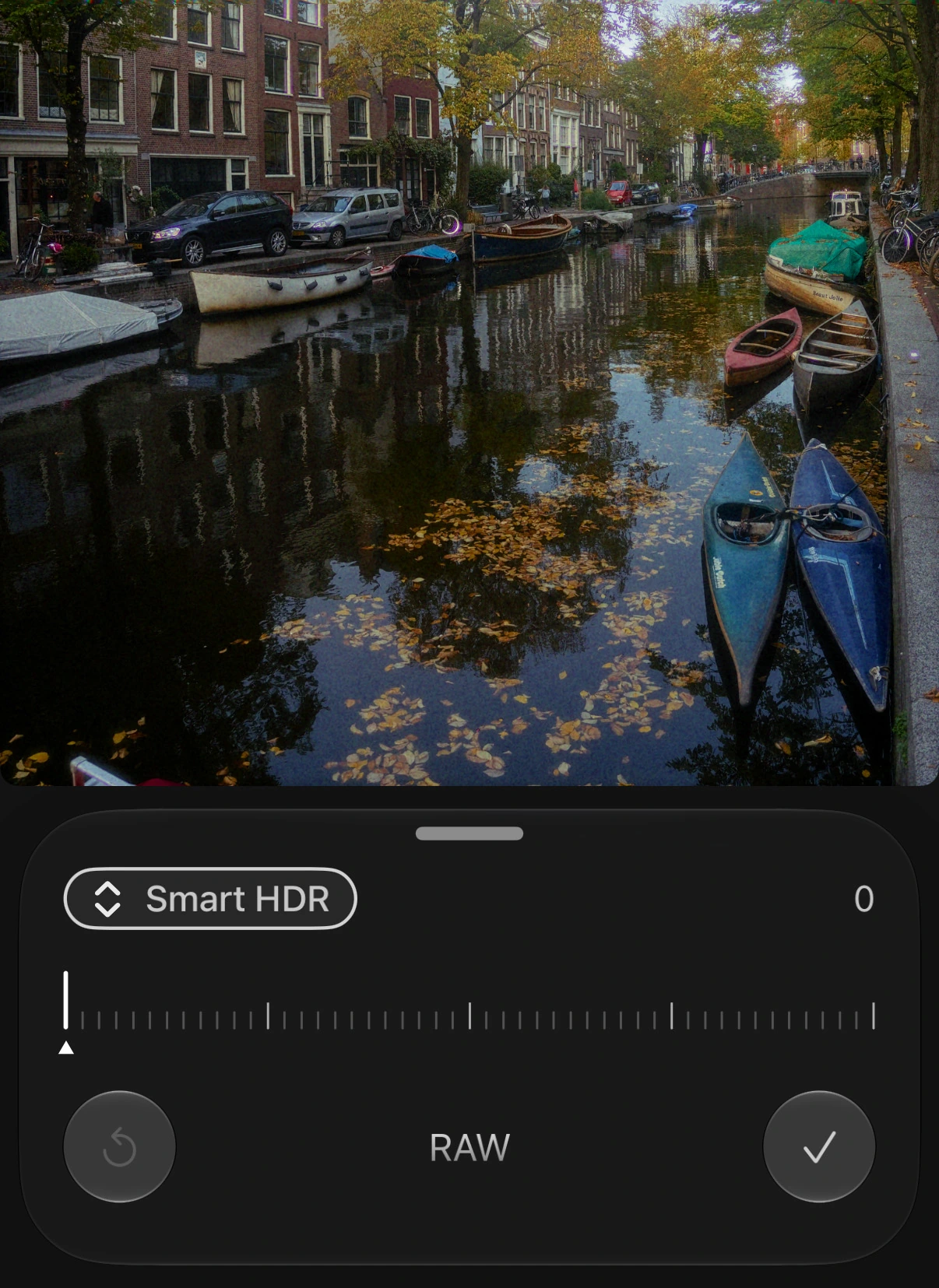
We decode your camera’s RAW files ourselves. Highlights bring back blown skies, Shadows lift without going grey, and Smart HDR evens out the light.
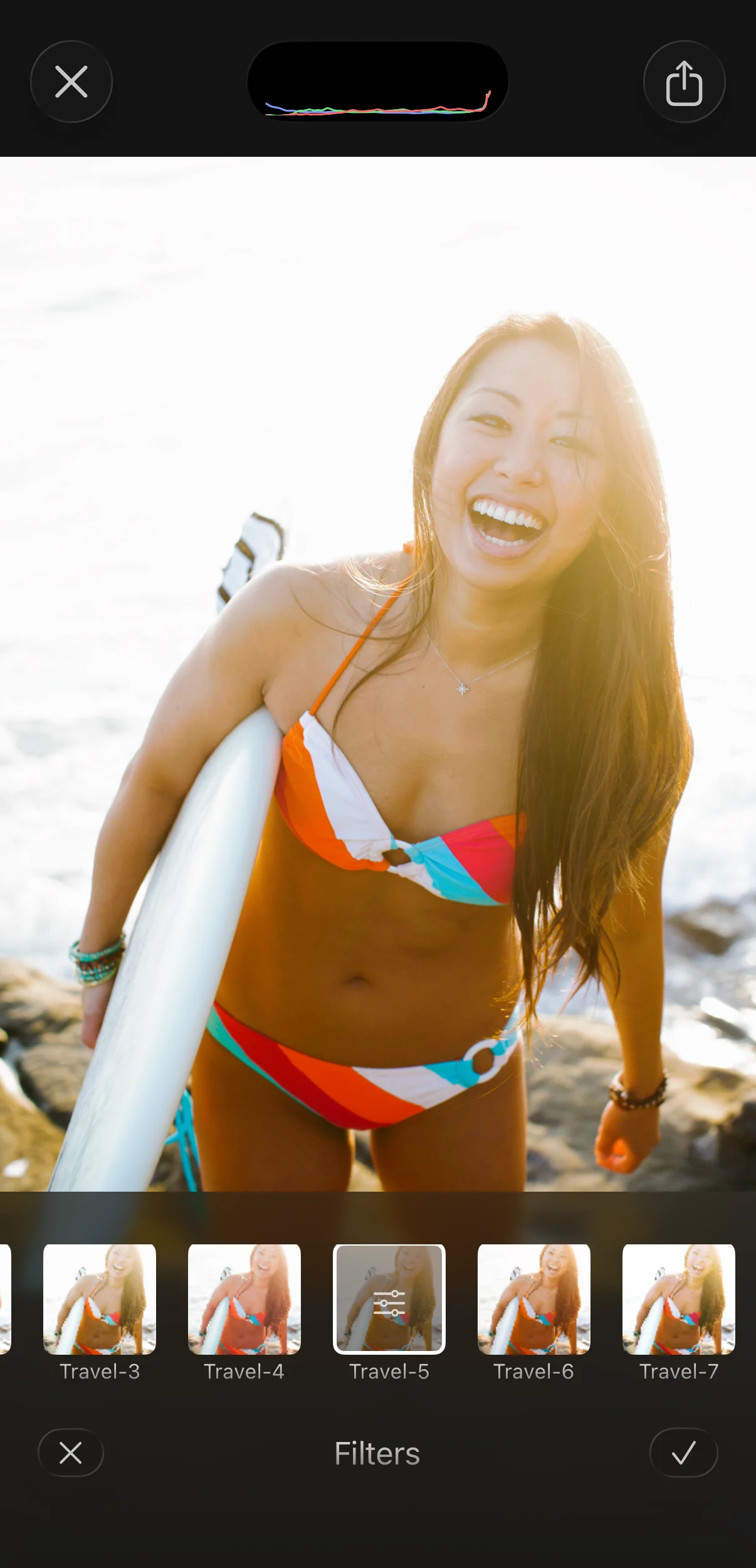
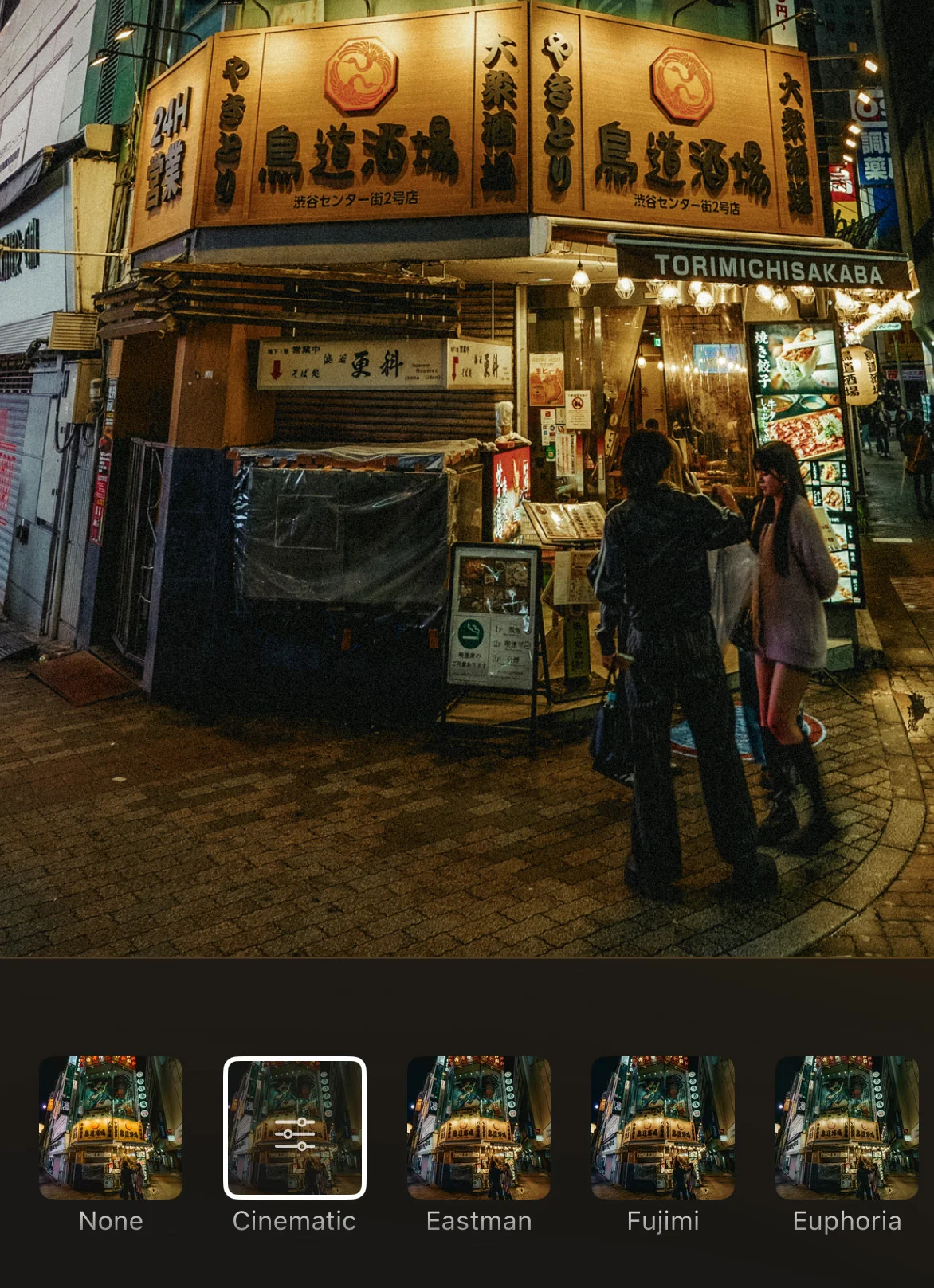
Film-inspired filters built in layers, a negative, a print and our own finishing, developed with real film scans and published film data.
Reopen any edit and carry on, paste an edit onto many photos at once, batch export, and search your album on your iPhone.
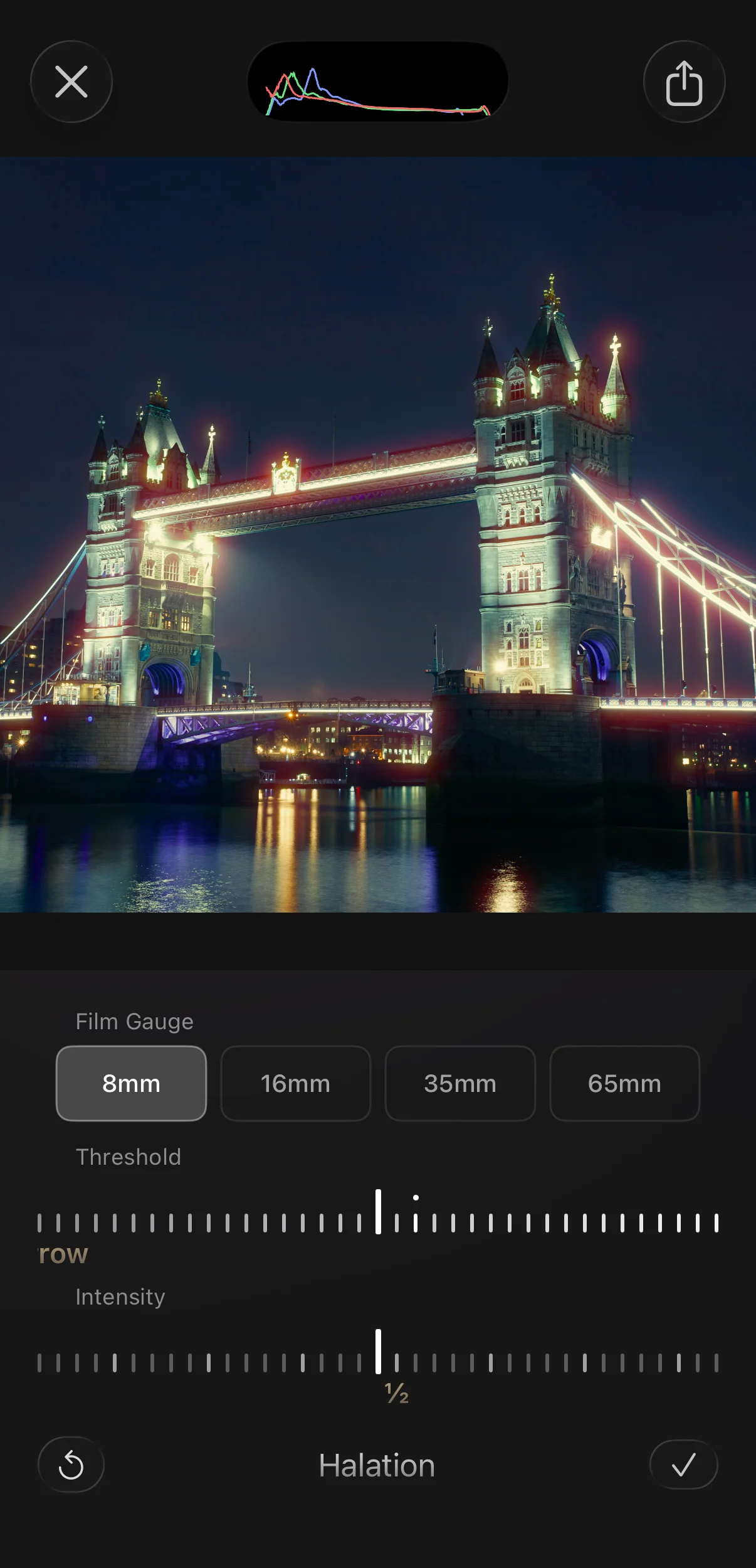
The warm glow film leaves around bright lights. We measured ours against the film-look tool colourists use, and it looks the same on screen as in your export.
Welcome to Creative Infinity.
The Studio puts your AI assistant, LUT Creator and My Filters on one page, along with IRIS, LUT Analyzer & Optimizer, Slow Motion, Upscaler and Video Health.
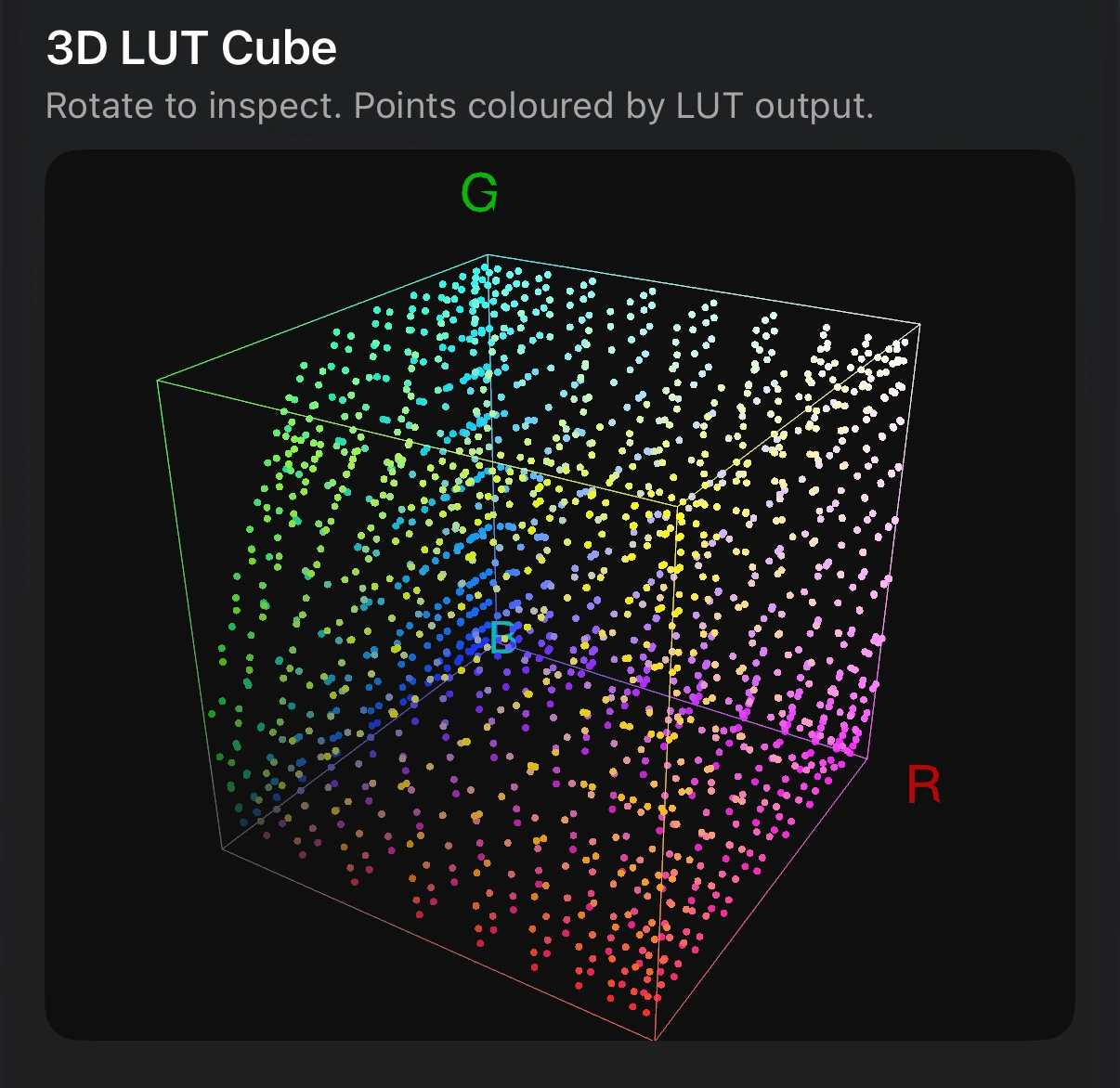
LUT Creator builds a filter the way a film lab does: a negative, a creative LUT, a print and a final grade, each with its own controls and printer lights. Save it to My Filters, share it, or export it as a .cube LUT.
Together, IRIS, LUT Creator and LUT Analyzer & Optimizer are the most advanced LUT engineering tools on iPhone. On the desktop, a single tool like these can cost $399 a year.


A RAW editor. Free.
Paying a lot for a RAW editor? Robin RAW, our new RAW engine, is free, and that includes the engine, the RAW tool and every core adjustment. It opens RAW files from Sony, Panasonic, Canon, Nikon, Fujifilm and many more cameras, and you edit them in the scene's real light and in Display P3 wide colour.
Pull Highlights down and blown skies come back, rebuilt from the colour channels that didn't clip. Push Shadows up and dark areas open without turning flat and grey. Smart HDR keeps a bright sky and a dark street in the same picture.
Built the way film works.
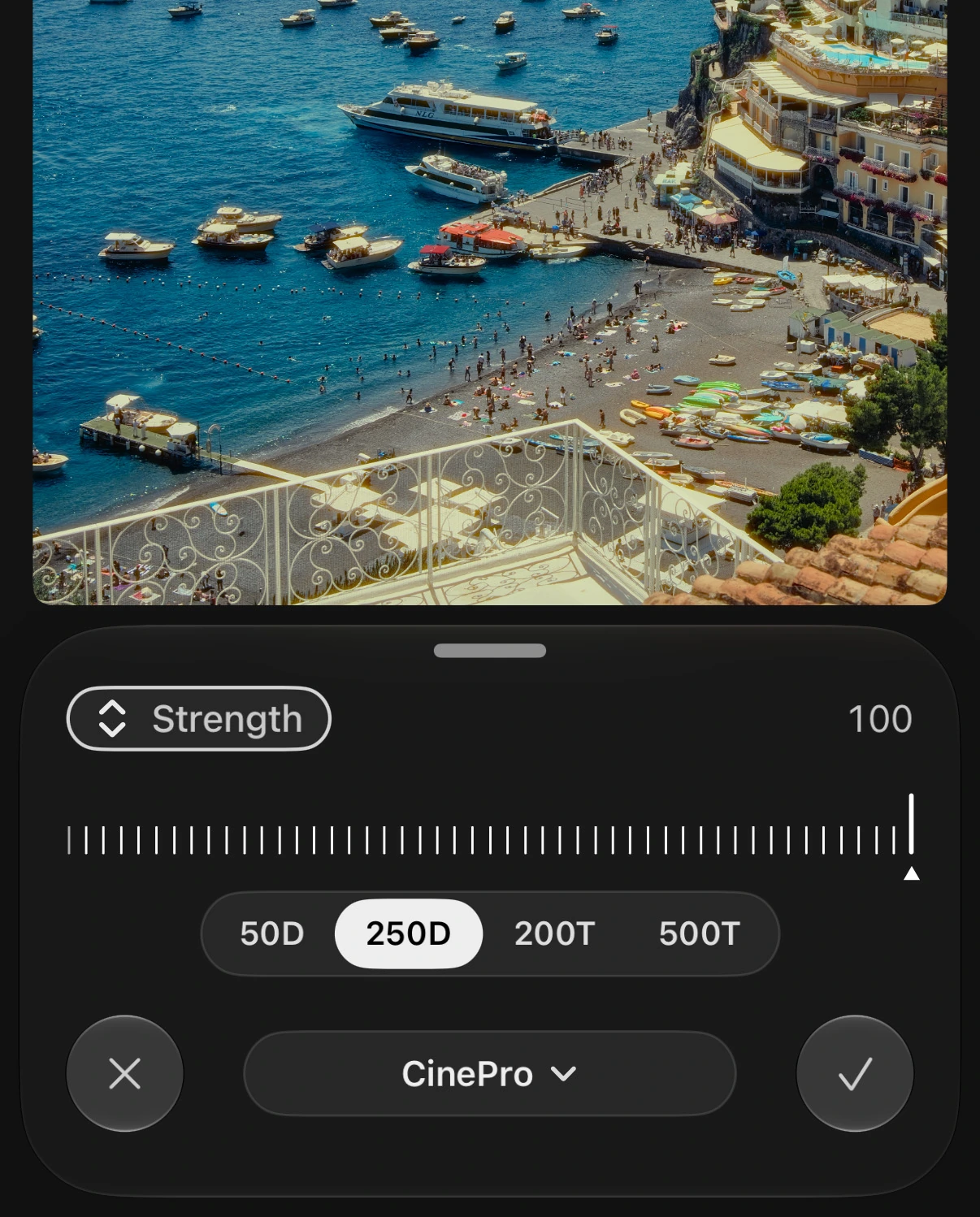
Four motion-picture films: 50D, 250D, 200T and 500T. We started from the film maker's published data, then licensed scans of real film, rolls shot on all four stocks, and measured more than 1,600 frames to learn how each film handles colour, contrast and light.
Each filter is built in layers: the negative, a print timed on grey the way a film lab does it, and our own finishing. Camera RAW and log video give the film the scene's own light. Free on photos, Pro on video.


Halation, built to the industry's reference.
Halation is the warm glow film leaves around bright lights, like a street lamp at night, a candle or the sun on water. We measured ours against the industry's reference at every strength, on real photos and video, to get the colour, reach and brightness of the glow right.
What you see is what you export. We build the glow in a wide linear colour space, so a tiny light glows the same on your screen as in a 48 MP export, and we smooth bright edges so a sharpened rim doesn't turn into waves of glow. On video, we look across several frames to keep lights from flickering.
Introducing Lion Core
Lion (Logarithmic Image Optimization Network)
Lion Core is the imaging engine behind DeluxeFX. We rewrote the whole pipeline so photos and video keep their precision and colour from import to export, and still run in real time.
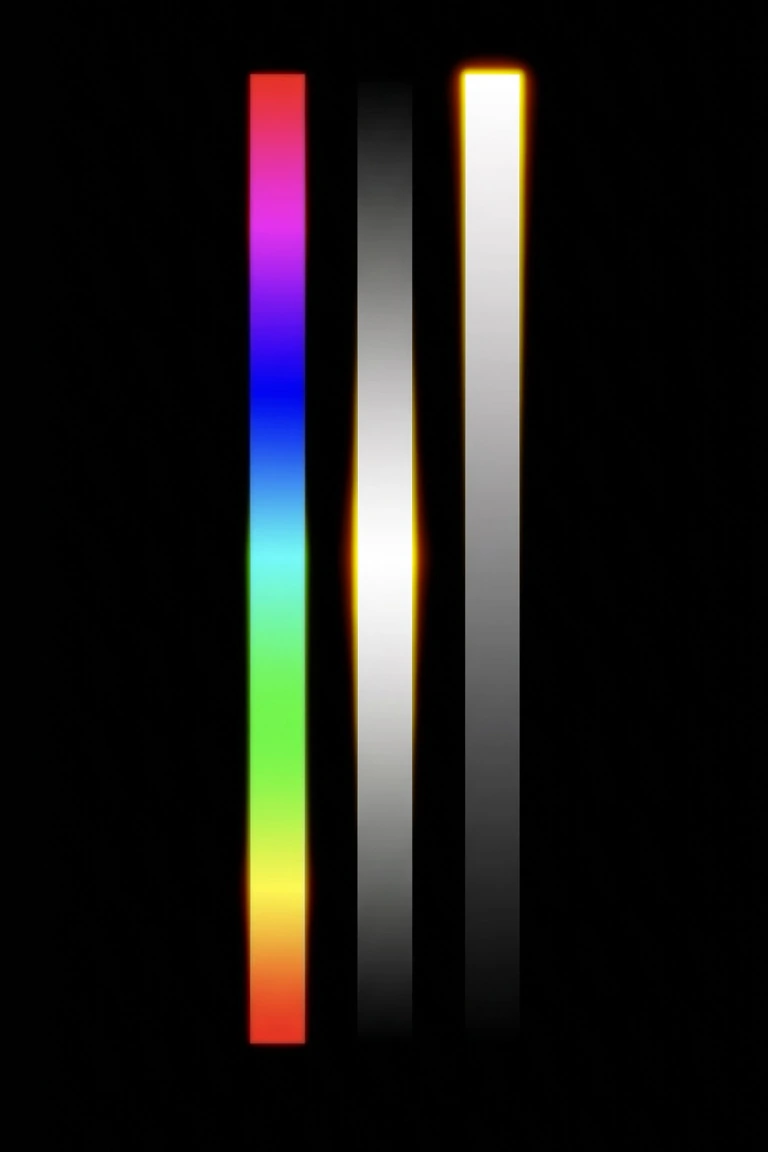
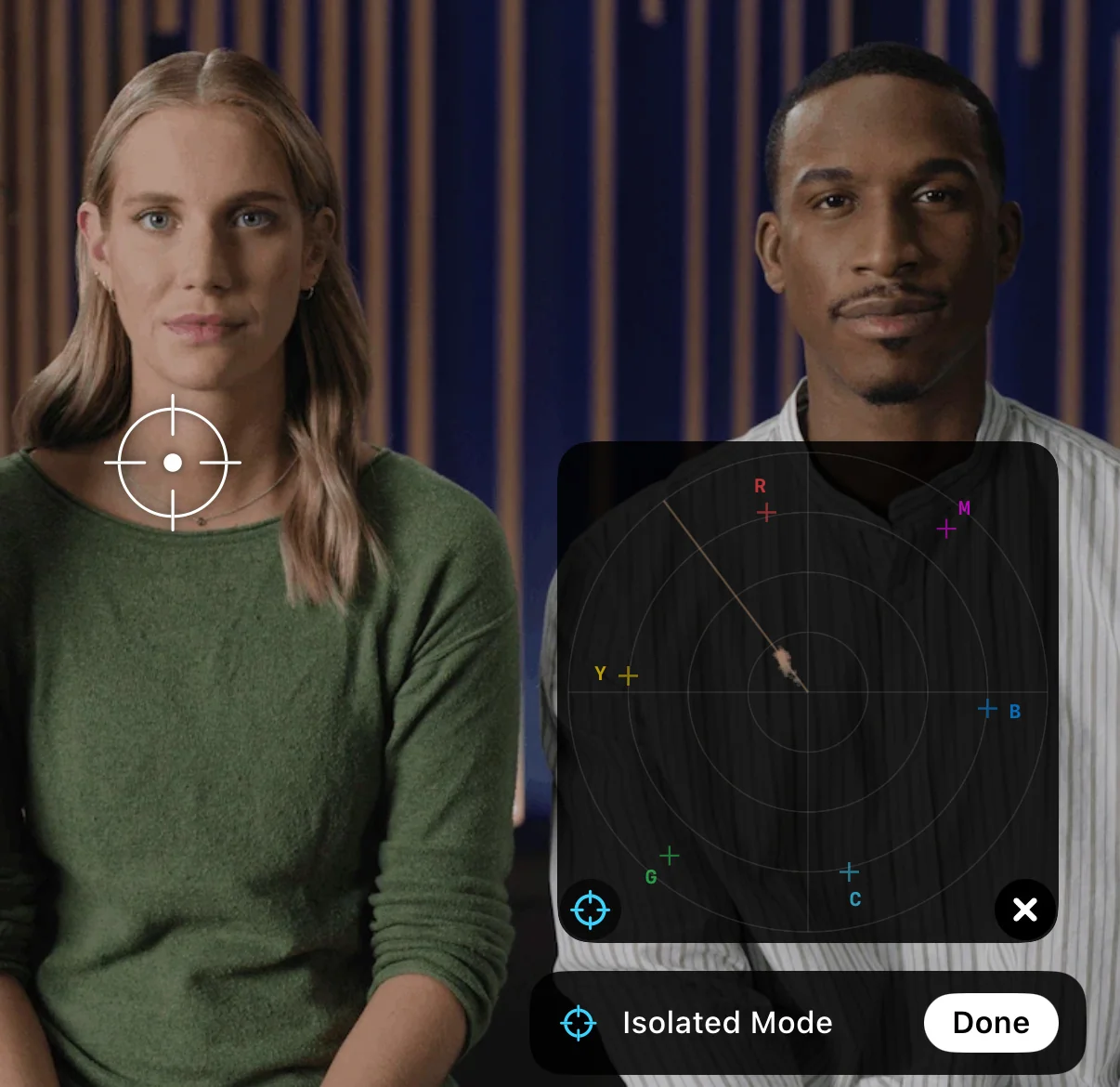
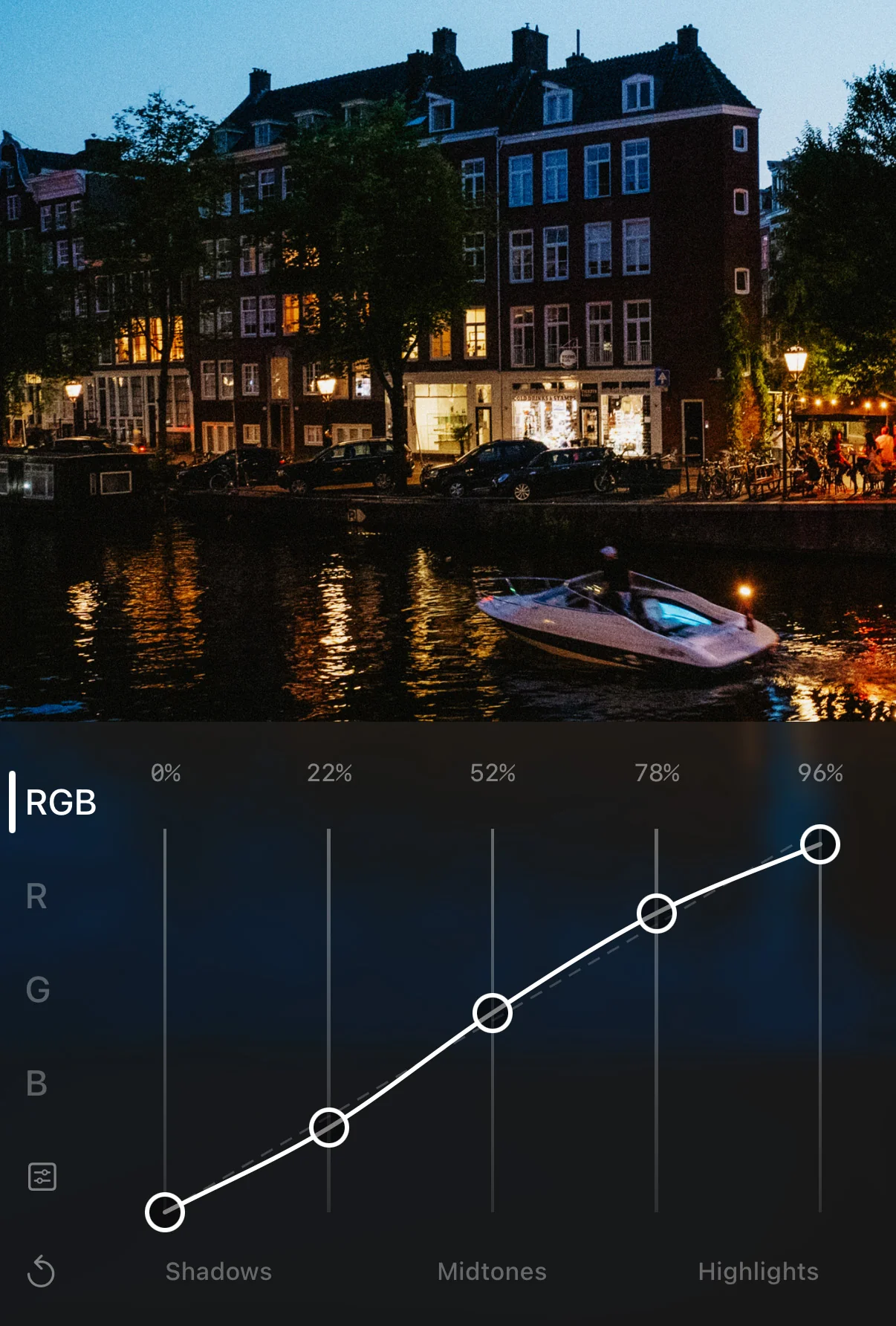
Waveform, RGB parade, vectorscope, histogram, and false color, plus log-space curves, OKLCH HSL, HSL curves, and primary corrections. The same kinds of tools colourists use every day.
Every step of the grade runs in 16-bit on the GPU. Video exports as true 10-bit HEVC and photos keep Display P3 wide colour, so gradients stay smooth and shadows stay clean.
Cinema cameras, phones, drones, and everyday clips.
Pick your camera's profile from a menu while you edit. On a desktop, the same thing usually means setting up a colour-managed project first.
Professional colour management on iPhone.
ACES, the Academy Color Encoding System, is an open color management system developed by the Academy of Motion Picture Arts and Sciences for professional film and television workflows.
DeluxeFX uses an ACES 2.0-based workflow to keep footage in a wider, scene-referred working space while you grade. Your picture isn't squeezed into a display look too early, so the colour has more room to move while you edit.
In practice that means cleaner skin tones and smoother gradients, and a picture that holds together when you push the grade hard.
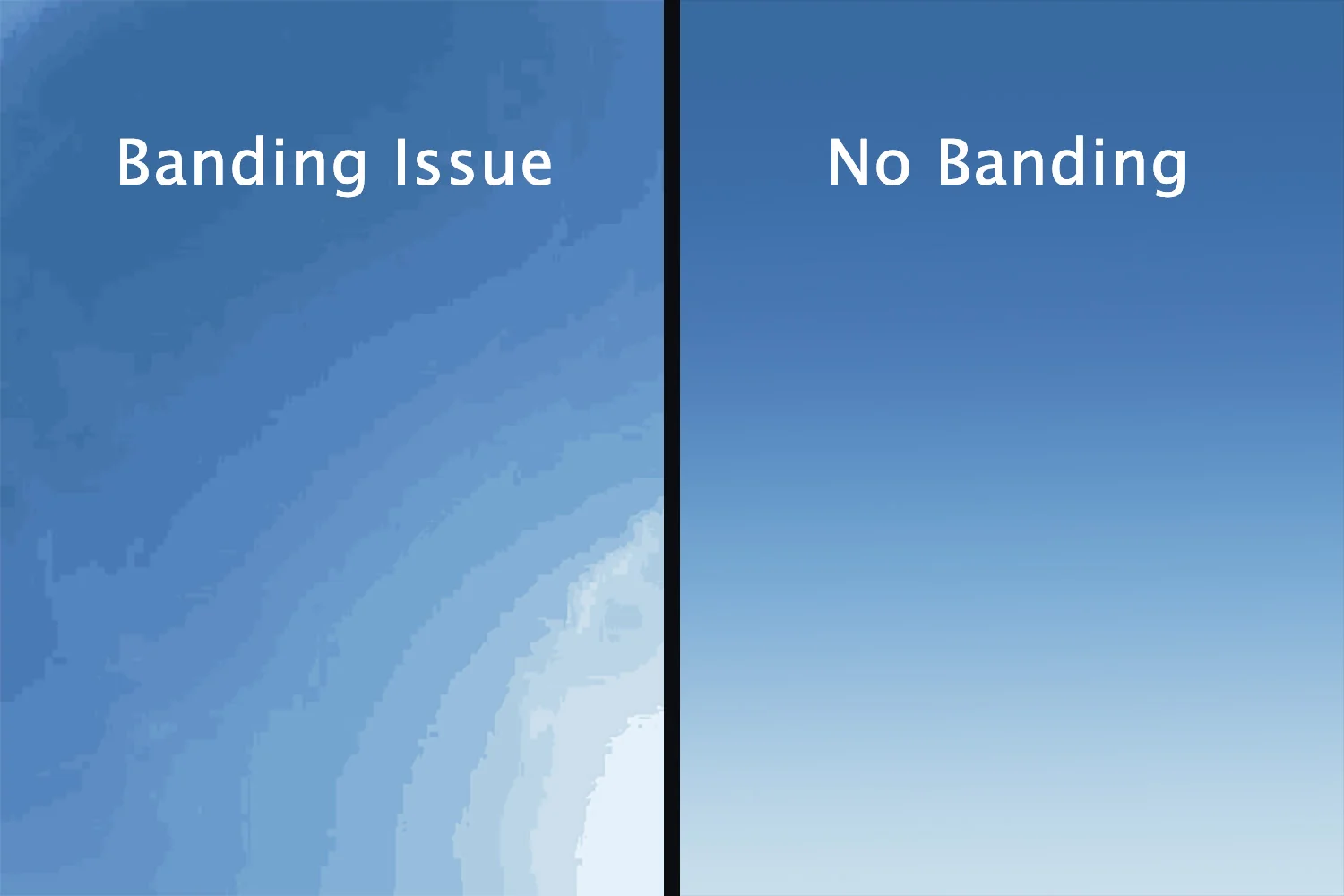
Smooth skies and clean shadows, without the banding.
Push the colour on low bit-depth footage and it starts to break up into bands, blocky steps and rough skin. DeluxeFX is built to keep those fine transitions intact, even through heavy edits.
Shoot at the highest bit depth your camera offers, ideally 10-bit log, and grade in DeluxeFX. Lion Core works in 16-bit floating point, so skies, shadows and skin stay smooth all the way to export.
Grade by eye,
then check it on the scopes.
Use waveform, RGB parade, vectorscope, histogram, and false color to read exposure, balance, saturation and skin tones exactly. RGB Parade, Vectorscope and False Colour are now free for everyone.
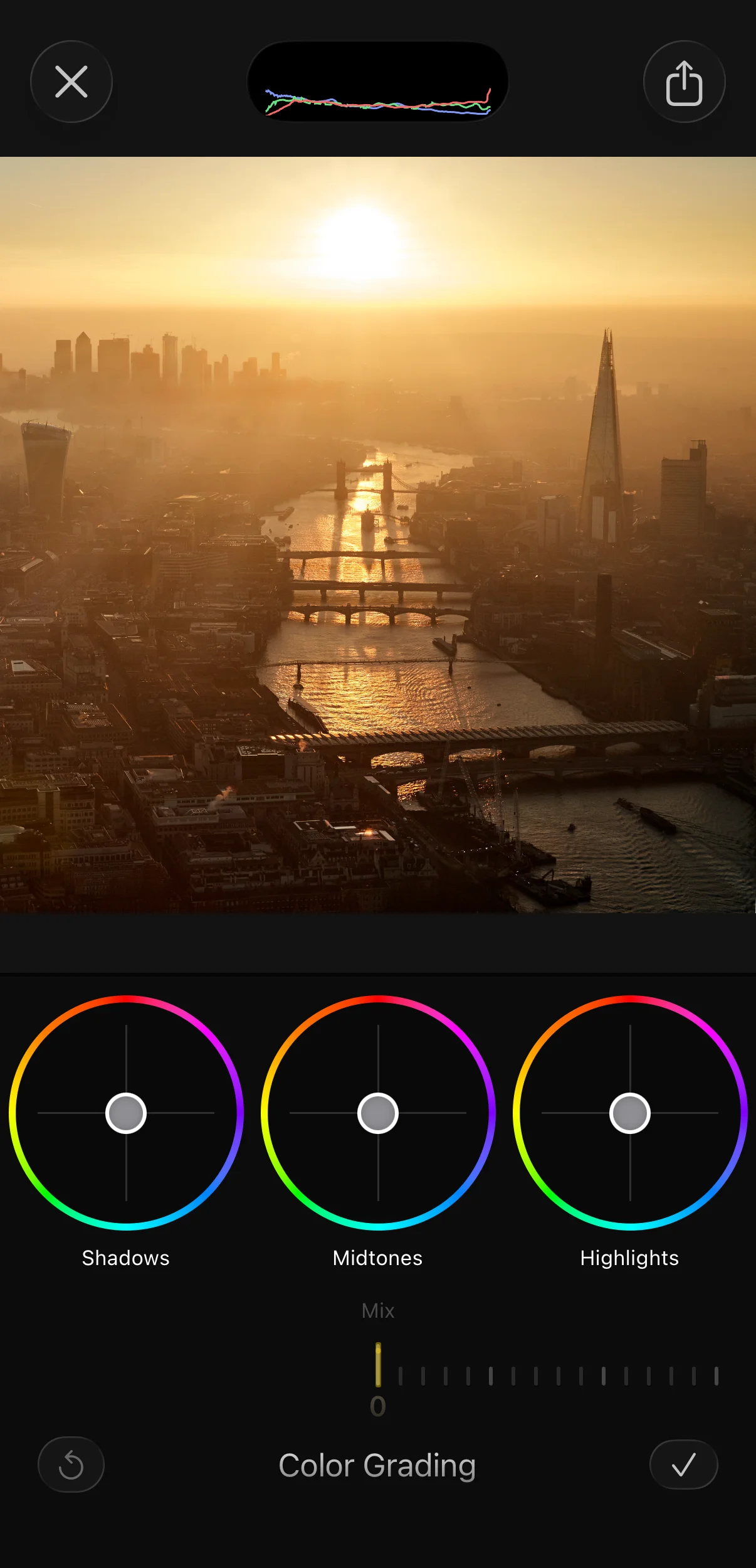
Then shape the image with lift, gamma, gain, offset, log curves, HSL tools, and perceptual colour controls.
You can see and measure every change, whether you're correcting a flat log image or building a finished look.
Every clip goes through the same engine.
You don't need to shoot log to get the most out of DeluxeFX. Ordinary iPhone video, Meta glasses clips, DJI Osmo Pocket footage, and drone and action-camera shots all go through the same Lion Core engine.
An Apple Log shot and a quick travel clip are processed the same way, in 16-bit, all the way to export.
So even footage that wasn't shot in a professional format comes out with smoother gradients and steadier colour.
Desktop grading apps were made for a mouse and a big screen.
Every tool works with a single ruler under your thumb, and the picture stays in view while you work. You can take footage from a flat log capture to a finished grade wherever you are.
There's no timeline to manage and no studio to set up, and you don't have to wait until you're back at a desk.
It's for creators who want proper control and still want the speed of editing on their phone.
That goes for a quick social clip just as much as for carefully graded camera log.
From first frame to final image.
Lion Core, an ACES 2.0-based colour pipeline, real grading tools, scopes and finishing effects all work together in one app, for creators who care how the final image looks.
Bring in log or everyday footage, set the exposure and colour, check the image on the scopes, add texture and atmosphere, and export at the quality your work needs.
Serious tools that stay simple to use.